PCB data management
PCB release package checklist: what to send before fabrication or assembly.
A PCB release package is the difference between “I sent some files” and “this exact hardware revision can be fabricated, assembled, tested, and supported later.”
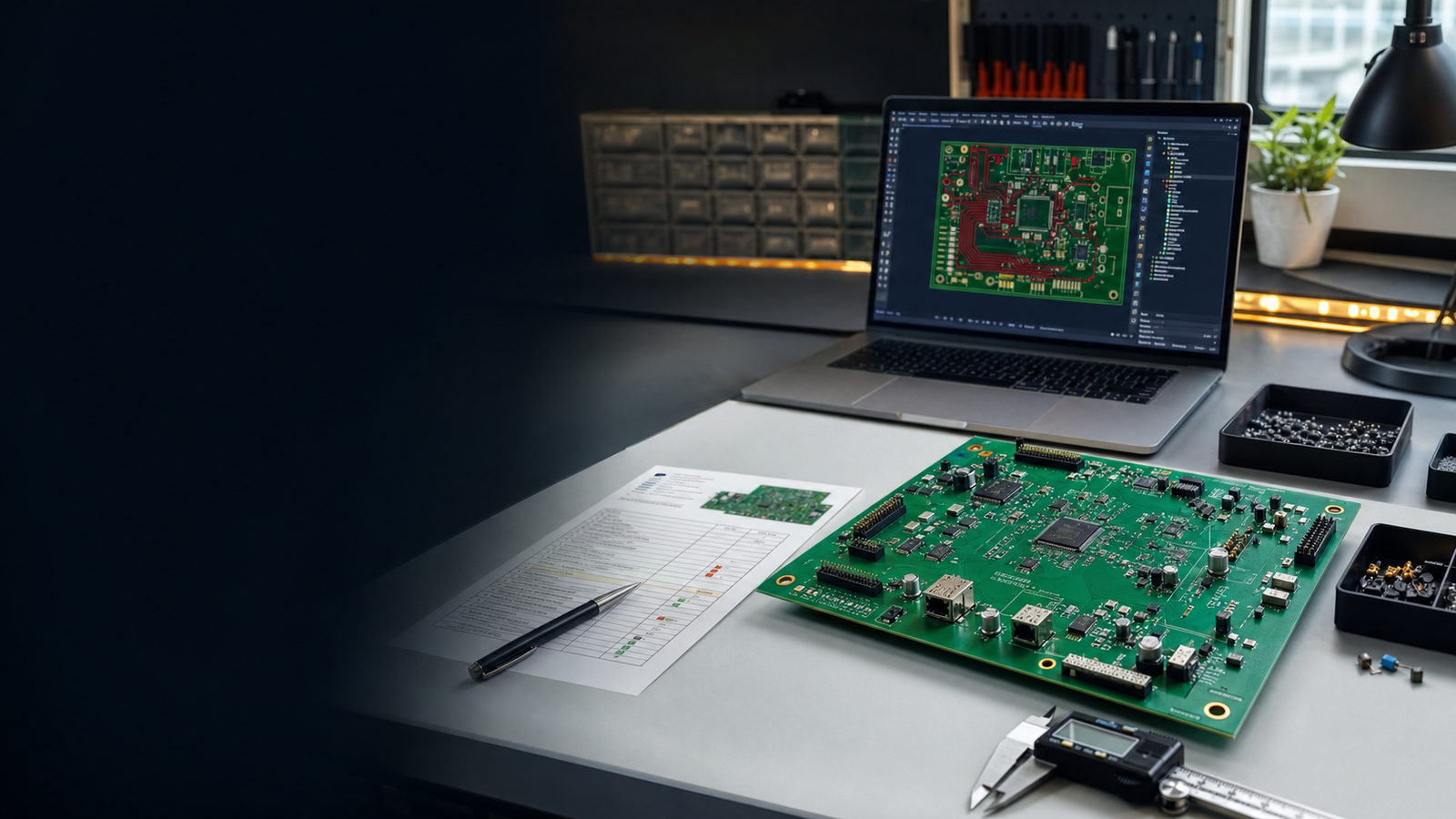
Direct answer: what goes in a PCB release package?
A complete PCB release package should include Gerbers, drill files, board specifications, BOM, pick-and-place file, assembly notes, DNP list, polarity notes, approved alternates, firmware version if relevant, bring-up checklist, test instructions, and release notes. The package should be tied to one hardware revision and should not be overwritten after sending.
PCB release package file checklist
| Category | Files | Required for |
|---|---|---|
| Fabrication | Gerbers, drill files, board outline, fab notes | Bare PCB manufacturing |
| Board specifications | Layer count, thickness, copper, finish, solder mask, silkscreen | PCB quote and fabrication accuracy |
| Assembly | BOM, pick-and-place, centroid file, assembly drawing, DNP list | SMT/THT assembly |
| Component decisions | Approved alternates, supplier notes, datasheets, critical part notes | Purchase and substitutions |
| Firmware | Firmware version, bootloader notes, config, pin map | Programming and production test |
| Testing | Bring-up checklist, voltage rail checks, functional test steps | First article and production QC |
| Traceability | Release notes, revision history, approval notes, vendor sent-to record | Support, repairs, audits, and future releases |
Fabrication package checks
Fabrication files define the physical PCB. Before sending them, verify that they were exported from the approved revision and opened in a viewer.
- Gerber zip is named with product, hardware revision, and date.
- Drill files are included and match the same revision.
- Board outline is closed and correct.
- Layer count and stackup match the quote.
- Copper weight, board thickness, finish, and solder mask are documented.
- Silkscreen has hardware revision and polarity marks.
- Mounting holes, slots, and cutouts are visible in the viewer.
Assembly package checks
Assembly mistakes often happen when the BOM, pick-and-place file, and assembly notes do not match the Gerbers.
Every populated designator should have quantity, value, footprint, MPN, and notes.
The pick-and-place file must match the same board revision as the Gerber zip.
Document DNP parts, polarity, jumpers, manual soldering, and inspection points.
Do not release a PCB without test instructions
A first board can look correct and still fail during bring-up. Include test steps so the next person knows what to check before connecting expensive modules or loads.
| Test | What to record |
|---|---|
| Before power | Visual inspection, shorts between rails, polarity, connector orientation. |
| First power | Current limit, input voltage, regulator outputs, thermal check. |
| Firmware load | Programmer, boot mode, firmware version, serial log. |
| Functional test | Sensor readings, I2C scan, UART response, relay/motor safe-load test. |
Release freeze rules
Once a release package is sent, freeze it. If something changes, create a new release. This is the simplest way to preserve traceability.
- Do not overwrite Gerbers after sending to a fab.
- Do not edit BOM rows silently after sending to purchase or assembly.
- Do not replace release notes without changing release status.
- Keep a record of vendor, date sent, quote number, batch, and purpose.
- Mark known-bad releases as `Do not use`, but keep them for history.
If a file was sent outside your team, treat that file set as a permanent release record.
When release packages need a vault
Manual folders work until releases multiply. Once you manage clients, vendors, firmware builds, alternates, and production batches, release packages need a source of truth.
PCB Vault Software is built around release packages.
Store PCB files, Gerbers, BOMs, revisions, manufacturing releases, assembly notes, and handoff records together instead of hunting through folders.
FAQ
What is a PCB release package?
It is the frozen file set used for fabrication, assembly, testing, production, or client handoff.
Is a Gerber zip enough for manufacturing?
For bare PCB fabrication, Gerbers and drill files may be enough. For assembly or production, you need BOM, pick-and-place, assembly notes, and test instructions too.
Should release packages be stored forever?
Keep released packages for as long as the board may need support, repair, repeat orders, or traceability.
What is the biggest PCB handoff mistake?
The biggest mistake is sending files that do not belong to the same hardware revision: old Gerbers, new BOM, wrong pick-and-place, or firmware for another board.