Embedded release control
Firmware hardware version control: keep code matched to the right PCB revision.
In embedded products, firmware and hardware are not separate worlds. A firmware build that works on HW-R1 can quietly fail on HW-R2 because one GPIO, sensor address, regulator, boot pin, or calibration assumption changed.
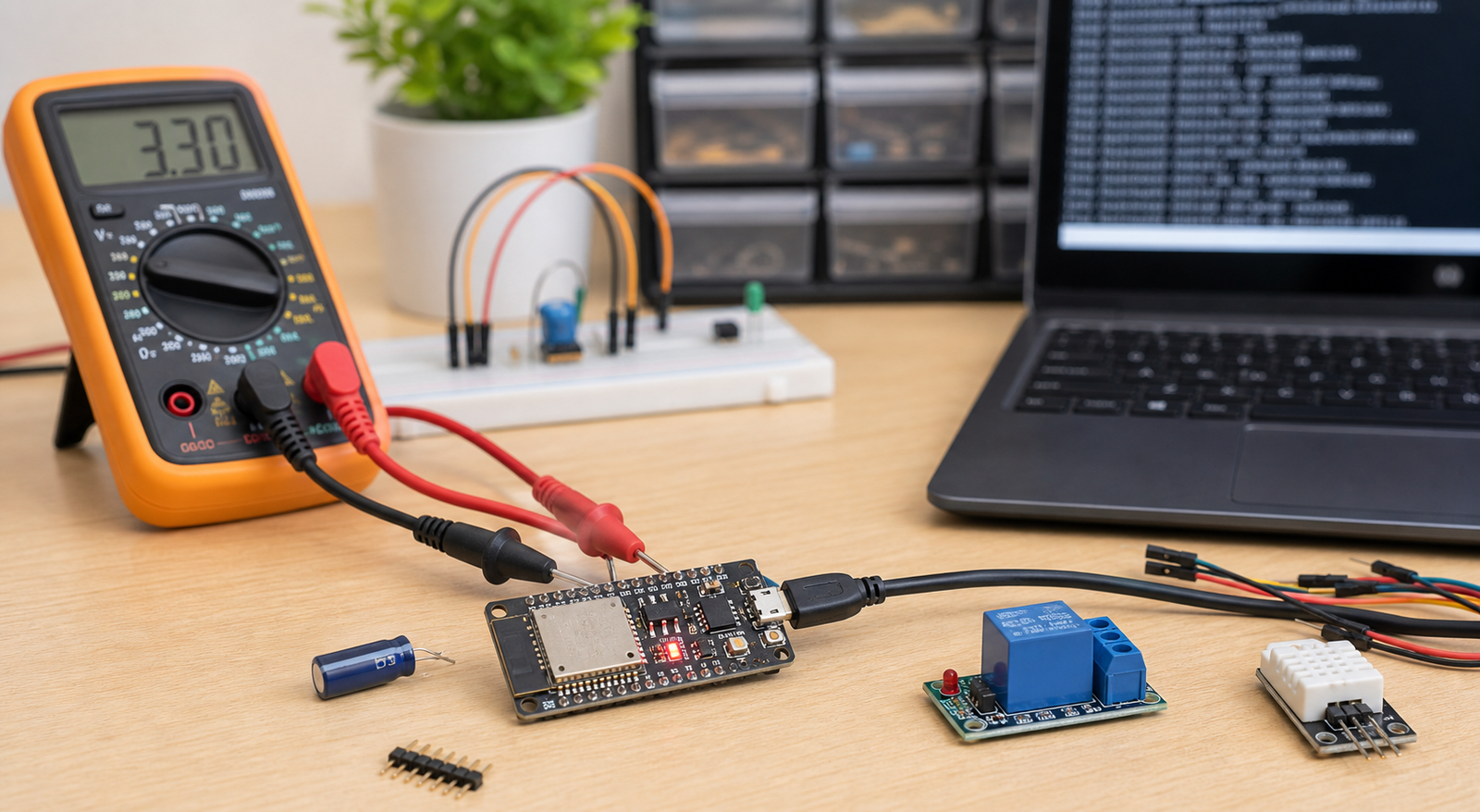
Direct answer: how to control firmware and hardware versions
Link every firmware release to supported hardware revisions, BOM versions, bootloader version, pin map, configuration files, calibration values, production programming instructions, and test status. Do not flash a batch unless the firmware release note clearly says it supports that PCB revision.
Why firmware-hardware mismatches happen
Most mismatches are boring: a pin moved, a pullup changed, a sensor alternate was used, or a production team flashed the last known good firmware without checking the board revision.
Firmware drives GPIO25, but HW-R2 moved the relay or enable signal to GPIO26.
A sensor, display, regulator, flash chip, or module alternate needs different timing or configuration.
Production uses an old firmware binary because the release package did not define the correct build.
What to include in firmware release notes
| Field | Why it matters | Example |
|---|---|---|
| Firmware version | Identifies the build used in testing or production. | `FW-1.4.2` |
| Supported hardware | Prevents flashing incompatible boards. | `HW-R2 only` or `HW-R2 and HW-R2A` |
| BOM compatibility | Captures component assumptions. | `BOM HW-R2 2026-06-06` |
| Bootloader / partition | Required for ESP32, STM32, OTA, memory layout, or secure boot. | `Bootloader 0.9.1 required` |
| Pin map | Makes hardware assumptions visible. | `Relay GPIO26, I2C SDA21/SCL22` |
| Test status | Shows whether this build was bench-tested, pilot-tested, or production-approved. | `Passed first article test on 2026-06-06` |
Use a firmware-hardware compatibility matrix
A small compatibility table prevents many production and support mistakes. It should live beside your PCB release package and firmware release note.
| Hardware | BOM | Firmware | Status |
|---|---|---|---|
| HW-R1 | BOM-R1 | FW-1.0.x | Superseded, support only |
| HW-R2 | BOM-R2 | FW-1.4.x | Production active |
| HW-R2A | BOM-R2A | FW-1.5.x | Pilot batch |
Production programming checklist
The production team should not guess which binary to flash. Include programming instructions inside the manufacturing release package.
- Hardware revision printed on the board is confirmed.
- Firmware binary filename includes version and supported hardware revision.
- Bootloader, partition table, or fuse settings are documented if needed.
- Programming tool, command, or fixture process is recorded.
- Serial number, MAC address, calibration, or config steps are defined.
- Post-flash test steps and pass/fail criteria are included.
If the firmware file does not state which hardware revision it supports, it is not ready for production.
When firmware-hardware tracking needs PDM
Folders and Git can track firmware history, but they often do not connect code to the exact PCB, BOM, vendor release, and production batch. That connection is where Electronics PDM becomes valuable.
Electronics PDM connects firmware, BOM, PCB, and release history.
PCBVault Electronics PDM is being planned to link PCB revisions, BOMs, approved components, ECOs, firmware versions, production releases, and audit history.
FAQ
What is firmware hardware version control?
It is the practice of linking firmware builds to the PCB revision, BOM, pin map, bootloader, configuration, and production test process they support.
Can Git solve firmware-hardware version control?
Git helps with firmware history, but it does not automatically connect firmware builds to Gerbers, BOMs, hardware revisions, manufacturing releases, and production batches.
Should firmware filename include hardware revision?
For production builds, yes. The filename or release note should clearly show which hardware revision is supported.
What is the biggest firmware-hardware release mistake?
The biggest mistake is flashing firmware tested on one hardware revision onto another revision without checking pin map, BOM, bootloader, and test status.