SSD1306 OLED Display
0x3C / 0x3DPopular 0.96 inch and 1.3 inch monochrome graphic displays using I2C communication.
TypeDisplay
Alt Address PinsSA0 pin (GND=0x3C, VCC=0x3D)
Driver LibraryAdafruit_SSD1306 / U8g2
Free I2C tool
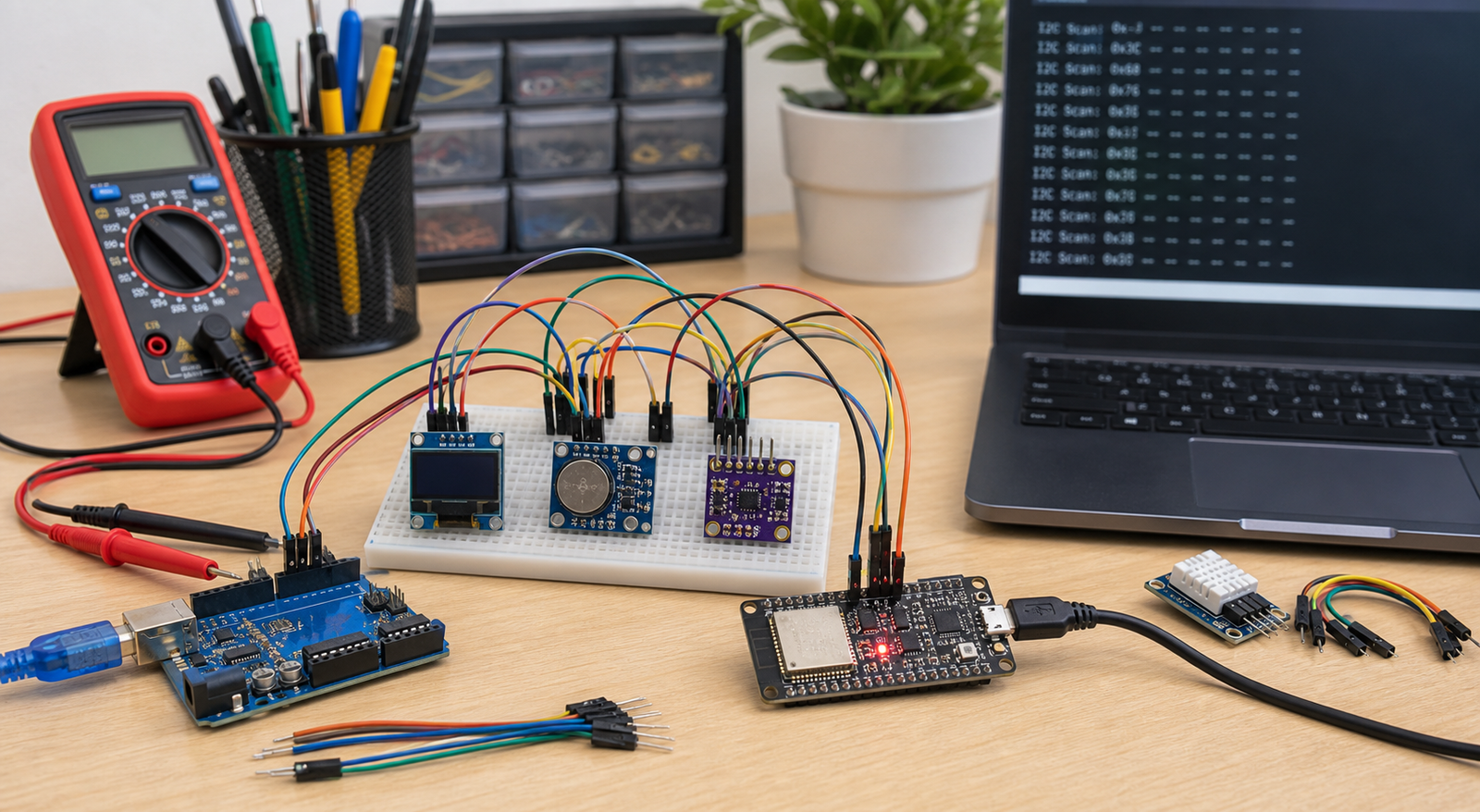
Use these Arduino and ESP32 scanner sketches to find OLED, LCD, RTC, EEPROM, and sensor addresses. If nothing appears, follow the wiring checks before replacing the module.
Copy-paste scanner
Open Serial Monitor after upload. If the scanner prints an address like `0x3C`, use that address in your display or sensor library.
For Arduino Uno and Nano, SDA is usually A4 and SCL is A5. For Mega, SDA is 20 and SCL is 21.
#include <Wire.h>

void setup() {
  Wire.begin();
  Serial.begin(9600);
  while (!Serial);
  Serial.println("I2C scanner started");
}

void loop() {
  byte error;
  byte address;
  int devices = 0;

  Serial.println("Scanning...");

  for (address = 1; address < 127; address++) {
    Wire.beginTransmission(address);
    error = Wire.endTransmission();

    if (error == 0) {
      Serial.print("I2C device found at 0x");
      if (address < 16) Serial.print("0");
      Serial.println(address, HEX);
      devices++;
    }
  }

  if (devices == 0) {
    Serial.println("No I2C devices found");
  }

  delay(3000);
}Enter the SDA and SCL pins you wired. Common ESP32 defaults are SDA 21 and SCL 22, but many projects use different pins.
#include <Wire.h>

const int SDA_PIN = 21;
const int SCL_PIN = 22;

void setup() {
  Wire.begin(SDA_PIN, SCL_PIN);
  Serial.begin(115200);
  Serial.println("ESP32 I2C scanner started");
}

void loop() {
  byte error;
  byte address;
  int devices = 0;

  Serial.println("Scanning...");

  for (address = 1; address < 127; address++) {
    Wire.beginTransmission(address);
    error = Wire.endTransmission();

    if (error == 0) {
      Serial.print("I2C device found at 0x");
      if (address < 16) Serial.print("0");
      Serial.println(address, HEX);
      devices++;
    }
  }

  if (devices == 0) {
    Serial.println("No I2C devices found");
  }

  delay(3000);
}An Arduino I2C scanner is a simple diagnostic tool that pings every possible I2C address (from 1 to 127) on the bus. If a device acknowledges the ping, the scanner reports the address. To use it, simply connect your device's SDA and SCL pins to the corresponding pins on your microcontroller, power the device, upload the code above, and open your Serial Monitor.
Address Database
Verify default addresses, pin configurations, and troubleshooting guidelines for common modules.
Popular 0.96 inch and 1.3 inch monochrome graphic displays using I2C communication.
Large 1.3 inch OLED screen modules, often wired with slightly different offset configurations than SSD1306.
PCF8574-based interface board allowing standard character LCDs to run over I2C.
High-precision barometric pressure, temperature, and relative humidity sensor by Bosch.
Barometric pressure and temperature sensor, a low-cost alternative to the BME280 without humidity sensing.
3-axis accelerometer and 3-axis gyroscope motion tracking sensor.
Extremely accurate, temperature-compensated real-time clock. Common boards also host a 24C32 EEPROM at 0x57.
Shunt current and high-side voltage monitor. Ideal for measuring battery drain and power rails.
Thin, ultra-low power 3-axis accelerometer with high resolution (up to 13-bit) measurement.
Digital ambient light intensity sensor. Directly outputs calibrated lux values without math overhead.
Time-of-Flight (ToF) laser-ranging sensor measuring distance based on photon travel times.
16-bit input/output port expander. Adds 16 general-purpose I/O pins over the I2C bus.
High-resolution, 4-channel analog-to-digital converter, ideal for microcontrollers lacking built-in ADCs.
Capacitive touch controller supporting up to 12 individual electrode touch pads.
Precision digital light sensor measuring both infrared and full-spectrum light for precise lux calculations.
Debug path
FAQ
Not on the same bus unless you use an I2C multiplexer or one device supports address selection. If two modules share the same fixed address, the scanner may behave unpredictably.
The I2C bus is working, but your library, controller type, address, screen size, or display initialization may still be wrong.
Many modules already include pullups. If wires are long, modules are bare, or the bus is unstable, external pullups may be needed.