ESP32 WiFi Stability
ESP32 WiFi keeps disconnecting: reconnect and stability fixes
An ESP32 that connects once but keeps disconnecting is usually fighting weak signal, WiFi sleep, unstable power, router settings, or project code that blocks reconnection.
Direct answer
If ESP32 WiFi keeps disconnecting, first disable WiFi sleep, test near the router, power the board from a stable supply, print disconnect reasons, and run WiFi-only code before adding MQTT, web servers, sensors, relays, or long blocking delays.
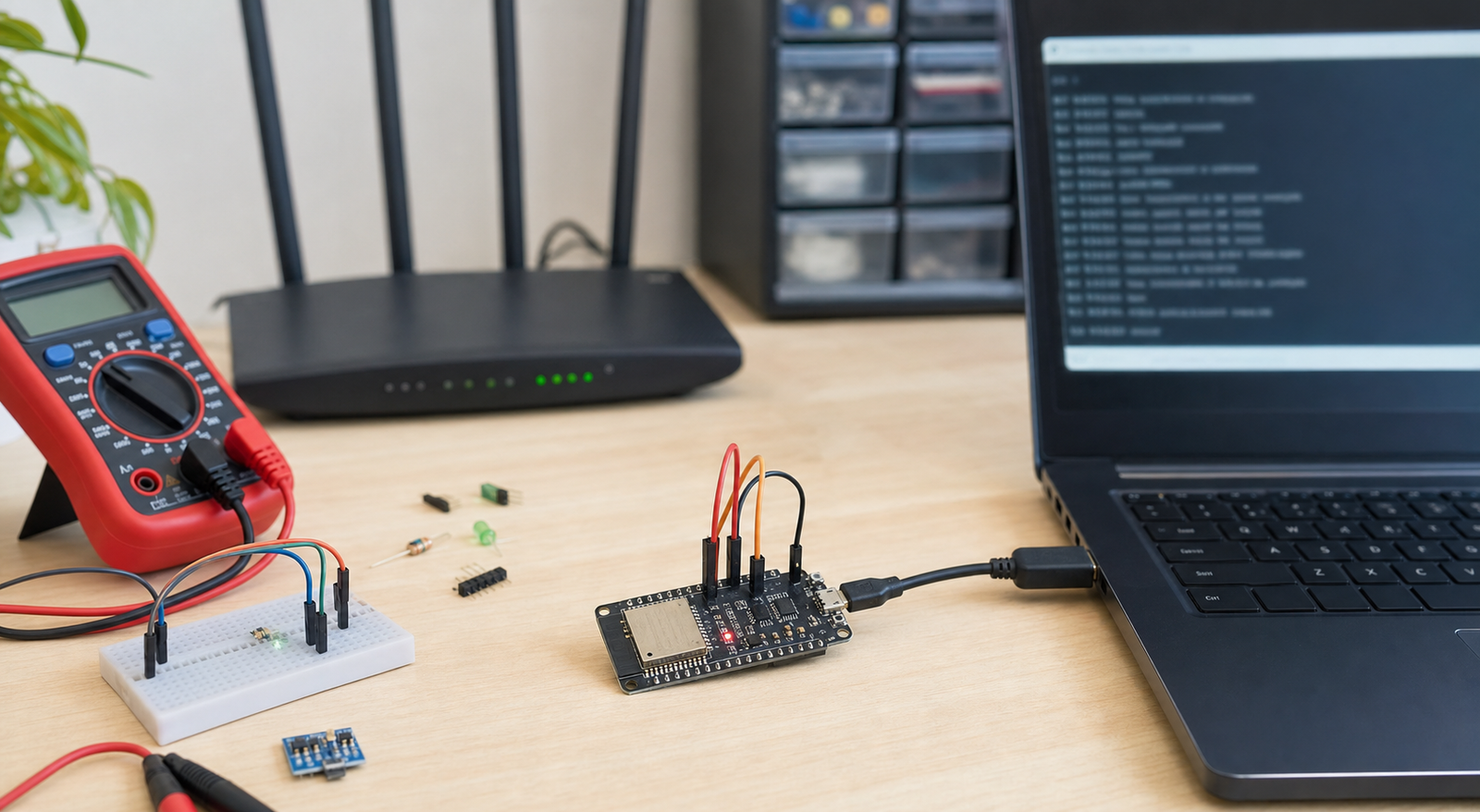
Symptoms and likely causes
| Symptom | Likely cause | First test |
|---|---|---|
| Disconnects every few minutes | Weak signal, WiFi sleep, router roaming, power dip | Move near router and disable sleep |
| Disconnects when relay or motor switches | Noise or current dip | Separate load power and add flyback/noise control |
| Connects but MQTT never recovers | Reconnect logic only handles MQTT, not WiFi | Reconnect WiFi first, then MQTT |
| Works on hotspot, fails on router | Router band steering, WPA settings, DHCP lease issue | Create a plain 2.4 GHz WPA2 SSID |
Check power before code
WiFi transmit bursts draw more current than idle code. A board can blink LEDs and read sensors perfectly, then disconnect when WiFi starts transmitting. Test from a known-good USB cable or a stable regulator with short wires.
Some projects reset so quickly that the failure looks like a WiFi disconnect. Check serial output for reset messages and compare with the ESP32 reset guide.
Router and signal checks
- Use a 2.4 GHz network, not 5 GHz.
- Test within 1-2 meters of the router.
- Avoid guest networks with client isolation.
- Use WPA2 for the first test if WPA3 causes trouble.
- Try a phone hotspot to separate board problems from router problems.
Code fixes that improve reconnection
Avoid long blocking delays in the main loop. If your code spends seconds waiting for a sensor, cloud response, or display animation, WiFi recovery can be delayed. Keep the WiFi connection check simple: if disconnected, reconnect WiFi first, then reconnect MQTT or the cloud client.
WiFi.setSleep(false);

if (WiFi.status() != WL_CONNECTED) {
  WiFi.disconnect();
  WiFi.begin(ssid, password);
}
This is only a starting point. Real projects should avoid reconnecting too aggressively; add a timeout or interval so the ESP32 does not hammer the router every loop.
FAQ
Why does ESP32 disconnect when MQTT starts?
MQTT may expose an unstable WiFi connection, weak power, wrong server settings, DNS issues, or blocking reconnect code. Confirm WiFi remains stable before testing MQTT.
Should I disable ESP32 WiFi sleep?
For always-on IoT projects, disabling WiFi sleep often improves stability. For battery projects, you need a more deliberate sleep/reconnect design.
Fix the whole project, not only WiFi.
Use the rescue pack to check power, wiring, module isolation, and PCB readiness.
Get the free rescue pack