Arduino Upload Troubleshooting
Arduino upload error: avrdude, COM port, USB, and bootloader fix guide
Arduino upload errors are usually not code problems. Most come from the USB cable, missing driver, wrong board or processor setting, busy serial port, external wiring on RX/TX, or a bootloader issue.
Direct answer
If Arduino upload fails, first use a known USB data cable, select the correct board and COM port, install the CH340/CH341 driver for clone boards, disconnect external wires from RX/TX and RESET, close Serial Monitor or other serial programs, and upload the Blink example before debugging your own sketch.
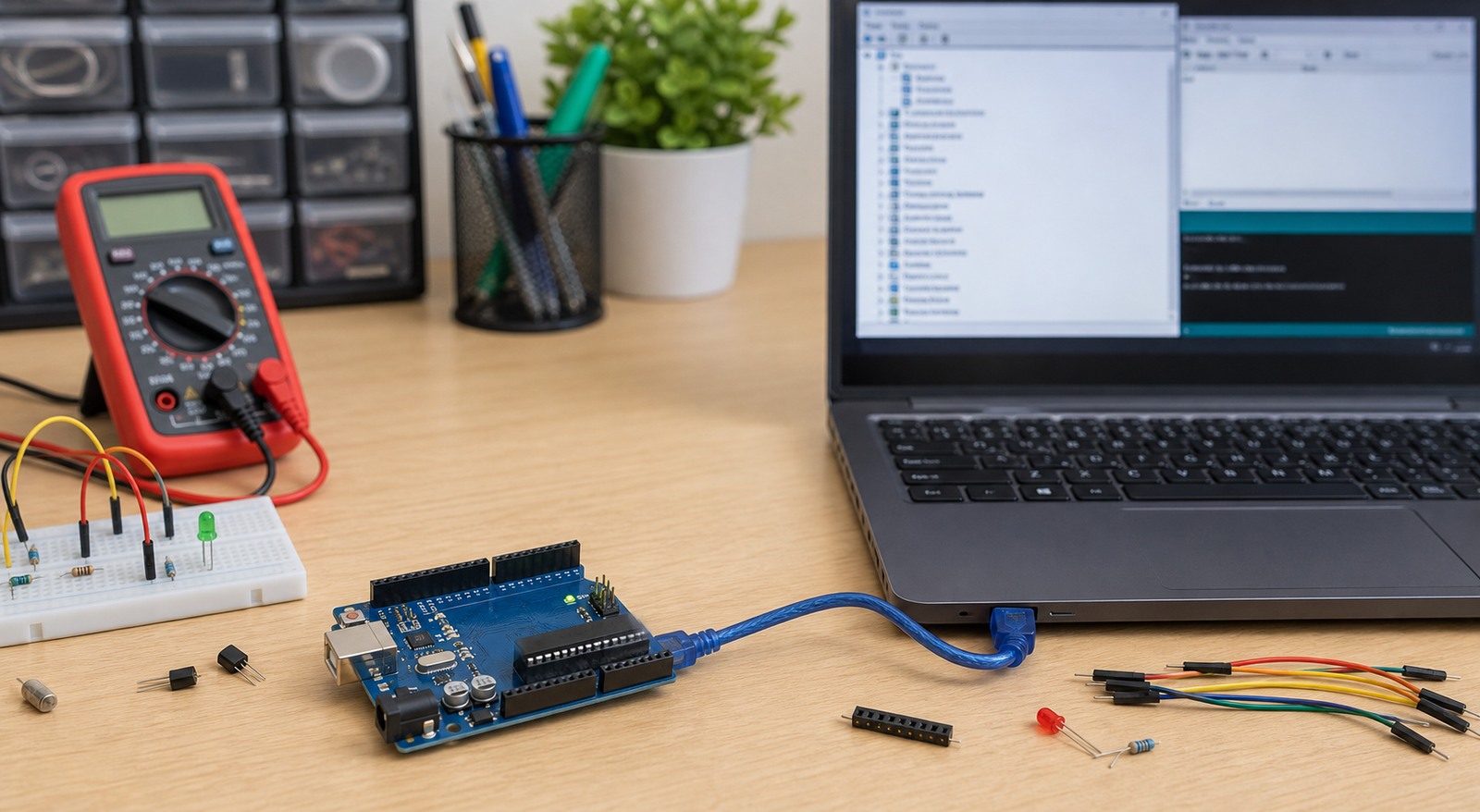
Symptoms and likely causes
| Error or symptom | Likely cause | First fix |
|---|---|---|
| `avrdude: stk500_recv(): programmer is not responding` | Wrong port, wrong board, reset issue, RX/TX wiring, bootloader | Disconnect project wiring and upload Blink |
| COM port missing | Charge-only cable, missing driver, bad USB port | Try another cable and check Device Manager |
| Upload works once, then fails | Serial Monitor open, port busy, sketch floods serial, external module holds reset | Close serial tools and disconnect external wiring |
| Nano old bootloader issue | Wrong processor selected | Select ATmega328P (Old Bootloader) |
Check USB cable and driver first
Many Arduino clone boards use CH340 or CH341 USB serial chips. If the board powers up but no COM port appears, install the correct driver and reconnect the board. Also check the cable: many USB cables supplied with power banks are charge-only and cannot carry data.
Open Device Manager on Windows, plug the Arduino in, and watch whether a new COM port appears. If nothing changes, suspect cable, driver, USB port, or board hardware.
Arduino IDE settings to check
- Select the exact board: Uno, Nano, Mega, Leonardo, Pro Mini, or your actual variant.
- Select the correct COM port under Tools > Port.
- For many Nano clones, try Processor > ATmega328P (Old Bootloader).
- Close Serial Monitor before upload if the port is busy.
- Upload File > Examples > 01.Basics > Blink as the first test.
Disconnect RX, TX, RESET, and heavy loads
External modules connected to RX/TX can block the USB serial upload. Bluetooth modules, GSM modules, GPS modules, or another microcontroller can hold the serial lines in a state that prevents upload. Disconnect them and test again.
Also remove shields, relay boards, motors, or power-hungry modules while testing upload. Upload problems and power problems often look similar when the board resets at the wrong moment.
When to suspect the bootloader
Suspect the bootloader only after cable, driver, COM port, board selection, processor selection, and external wiring are ruled out. If the board is detected but never accepts a sketch, the bootloader may be missing or damaged. You can reburn it with another Arduino or an ISP programmer.
From Prototype to Product: Moving Beyond the Workbench
An upload error during a prototype stage is annoying, but on a finished product, a weak auto-reset circuit or unprotected UART lines can lead to failures during factory testing or field firmware upgrades. Moving to a product requires layout-level auto-reset design, robust programming connectors, and protection.
The Productization Path for Arduino Flashing
FAQ
Can bad code stop Arduino uploads?
Usually no on Uno/Nano-style boards, but code that floods serial or external wiring controlled by the sketch can make uploads harder. Test with external modules disconnected.
Why does Arduino Nano need old bootloader?
Many Nano clones ship with the older bootloader. If normal ATmega328P upload fails, select ATmega328P (Old Bootloader) and try again.
Ready to productize your design?
Get the free Electronics Project Rescue Pack. It includes power, wiring, module, sensor, and breadboard-to-PCB checklists to help you move from a messy prototype to a release-ready custom PCB.
Download the rescue pack