ESP32-CAM Troubleshooting
ESP32-CAM not working: camera, upload, power, and WiFi fix guide
The ESP32-CAM is powerful, cheap, and slightly unforgiving. Most failures come from weak power, incorrect FTDI wiring, GPIO0 programming mode mistakes, a loose camera ribbon, or WiFi code that never reaches the streaming page.
Direct answer
If your ESP32-CAM is not working, power it from a stable 5V supply, connect FTDI TX to ESP32-CAM U0R and FTDI RX to U0T, short GPIO0 to GND only while uploading, select the correct AI Thinker ESP32-CAM board, reseat the camera ribbon, and test the camera web server example before adding other code.
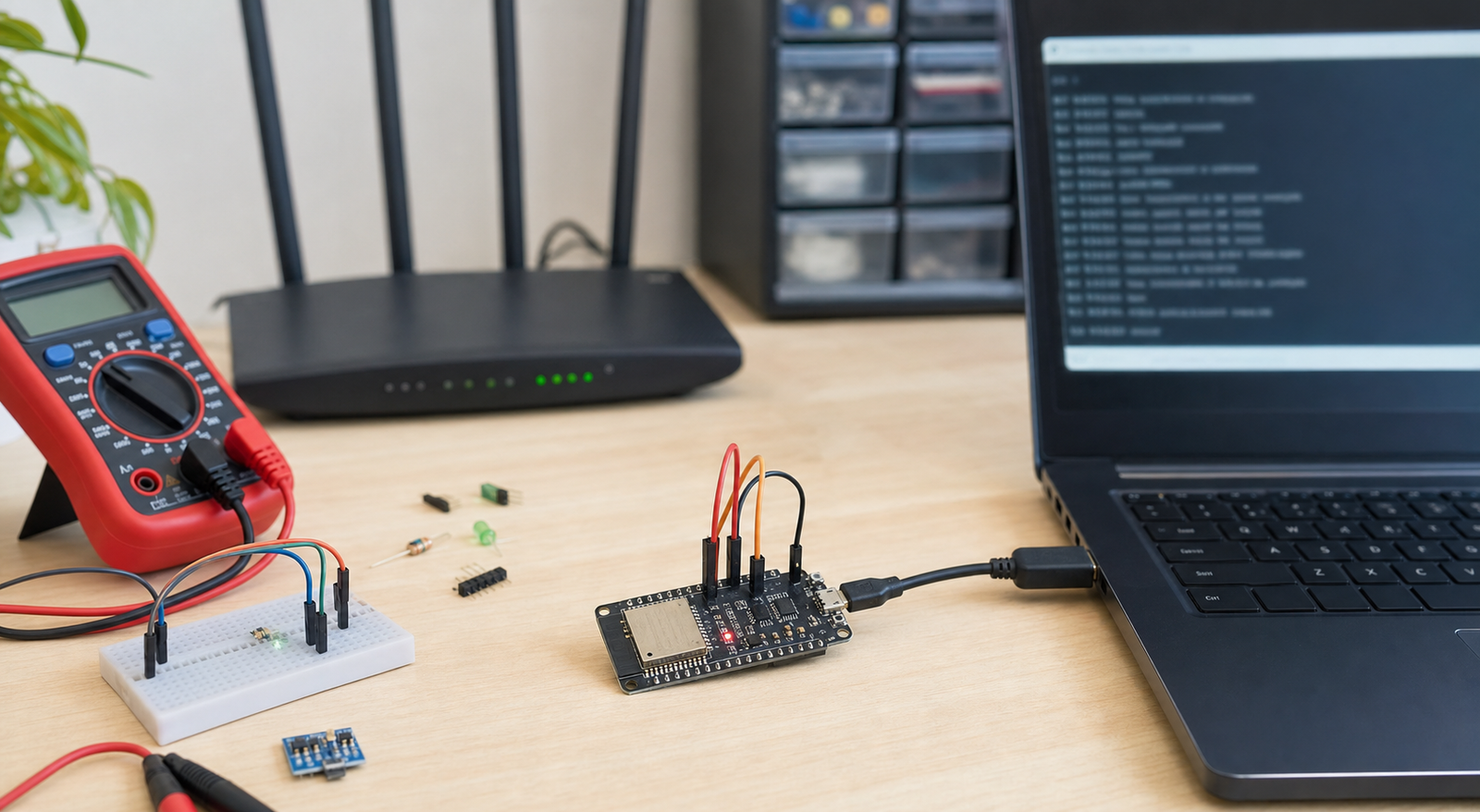
Symptoms and likely causes
| Symptom | Likely cause | First fix |
|---|---|---|
| Upload fails or times out | GPIO0 not grounded, TX/RX swapped wrong, bad USB cable, weak FTDI adapter | Ground GPIO0, press reset, check crossed serial wiring |
| Brownout detector was triggered | 5V supply cannot handle WiFi and camera current bursts | Use a stronger 5V supply and short power wires |
| Camera init failed | Wrong camera model, loose ribbon, bad module, weak power | Select AI Thinker and reseat the ribbon cable |
| Serial prints IP but browser shows nothing | Wrong URL, blocked network, sketch crashed after connect, weak signal | Open the printed IP on the same WiFi network |
| Stream freezes | Weak WiFi, unstable power, high frame size, poor antenna placement | Lower resolution and test near the router |
Fix ESP32-CAM upload wiring
For upload mode, GPIO0 must be connected to GND before reset. After upload, remove the GPIO0-to-GND jumper and reset again so the board boots normally. If you leave GPIO0 grounded, the board stays in programming mode and your camera project will not run.
FTDI TX goes to ESP32-CAM U0R. FTDI RX goes to ESP32-CAM U0T. GND must be common. Many upload problems are simply TX/RX or GPIO0 mode mistakes.
Fix camera init failed
If the serial monitor says camera init failed, do not start by editing random code. First confirm the board selection and camera model. In most common modules, the board is AI Thinker ESP32-CAM. Then reseat the ribbon cable: the connector can look inserted while one side is not actually locked.
- Select the correct ESP32-CAM board in Arduino IDE.
- Use the CameraWebServer example before your own sketch.
- Uncomment the correct camera model and comment out the others.
- Reseat the camera ribbon and lock the connector.
- Power from stable 5V, not a weak 3.3V pin.
Fix ESP32-CAM WiFi and stream issues
ESP32-CAM video streaming stresses both WiFi and power. If normal ESP32 WiFi sketches work but the camera stream fails, reduce the camera frame size, move near the router, and remove other code until the CameraWebServer example is stable.
Use a 2.4 GHz WiFi network and open the printed IP address from a phone or laptop connected to the same network. If it works on a phone hotspot but not your router, check router security, DHCP, guest-network isolation, and band steering.
ESP32-CAM quick checklist
- Use stable 5V power with short wires.
- Use GPIO0 to GND only for upload mode.
- Remove GPIO0 jumper after upload.
- Cross TX/RX correctly between FTDI and ESP32-CAM.
- Select AI Thinker ESP32-CAM if using the common module.
- Use 2.4 GHz WiFi and test near the router.
- Run the official camera example before custom code.
FAQ
Can I power ESP32-CAM from the FTDI 3.3V pin?
Usually no. Many FTDI 3.3V pins cannot supply enough current for WiFi plus camera operation. Use stable 5V to the 5V pin unless your module documentation says otherwise.
Why does ESP32-CAM upload but not run?
The most common reason is GPIO0 is still connected to GND after upload. Remove that jumper and reset the board.
Still stuck?
Download the free electronics rescue pack and check power, wiring, modules, and project readiness before buying another board.
Get the free rescue pack